Inside TRAY’s Redesigned POS and KDS: Built for the Rush, Not the Demo
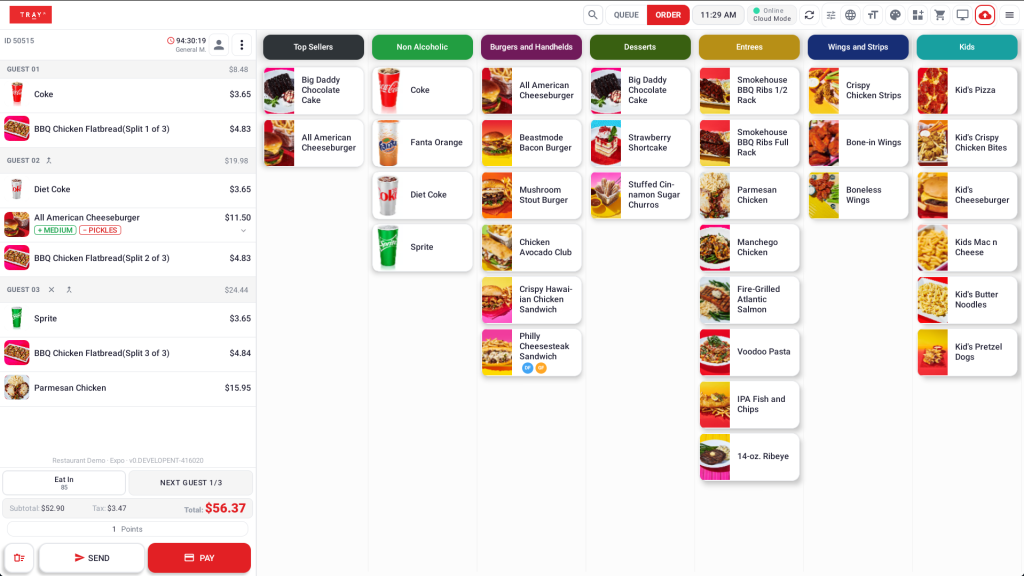
Most POS redesigns look great in a sales demo and fall apart during a Friday dinner rush. TRAY’s new Modern Look experience was built backwards from that problem—starting with the moments where speed and clarity matter most, and working outward from there.
Speed as a Feature, Not a Slogan
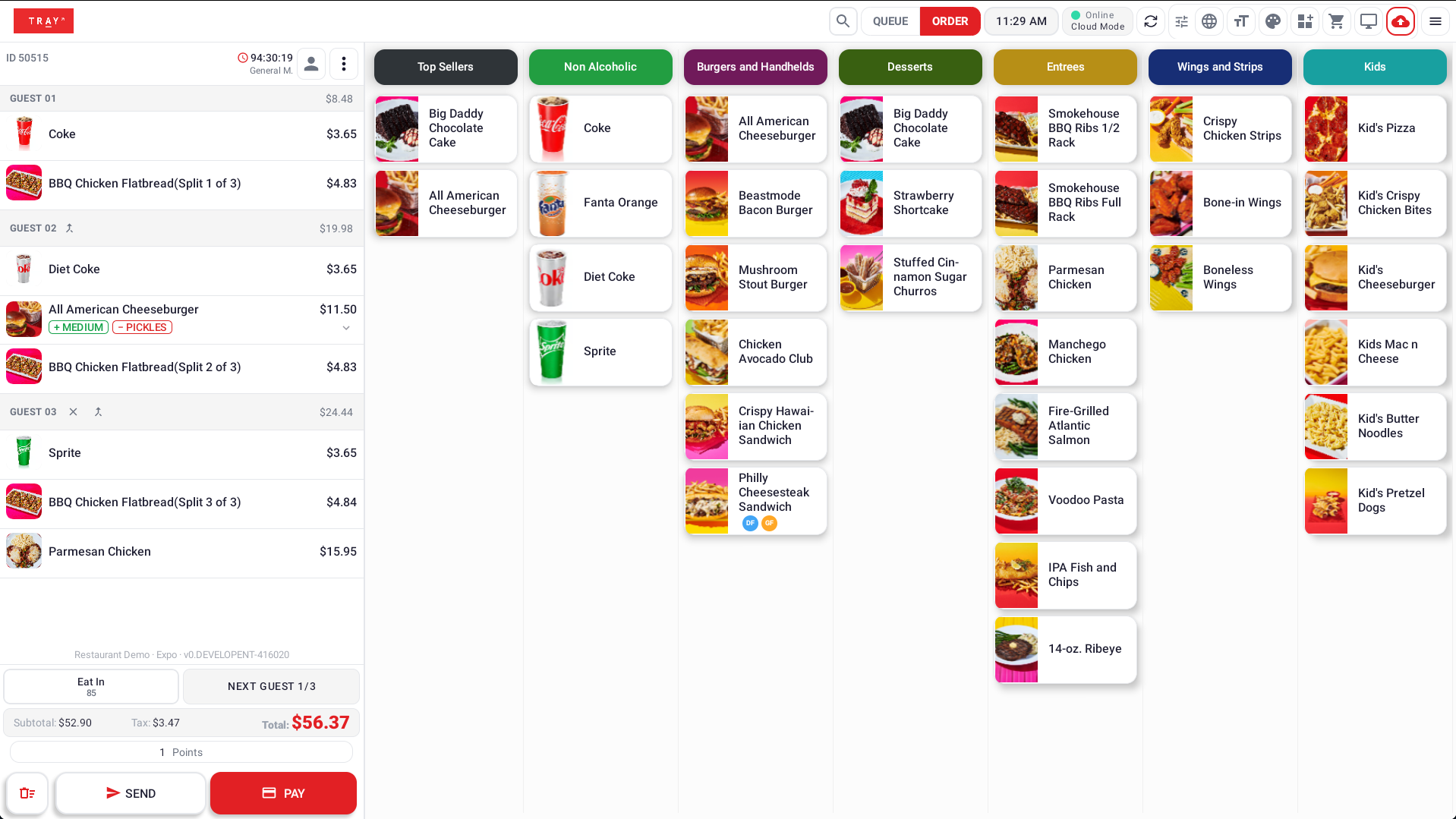
The headline number is real: TRAY’s highest-traffic screens—login, menu and cart navigation, and the checks screen—are now up to three times faster, powered by Ahead-of-Time code compilation. The gains are most dramatic on older terminals, which is exactly where operators feel slowdowns the most.
Receipt printing got the same treatment. The previous image-based rendering approach took 2 to 6 seconds per receipt; native printing—built on text, barcodes, QR codes, and logos instead of rendered images—brings that down to under a second, with only a minor tradeoff in styling flexibility.
Solving the Problems Staff Actually Run Into
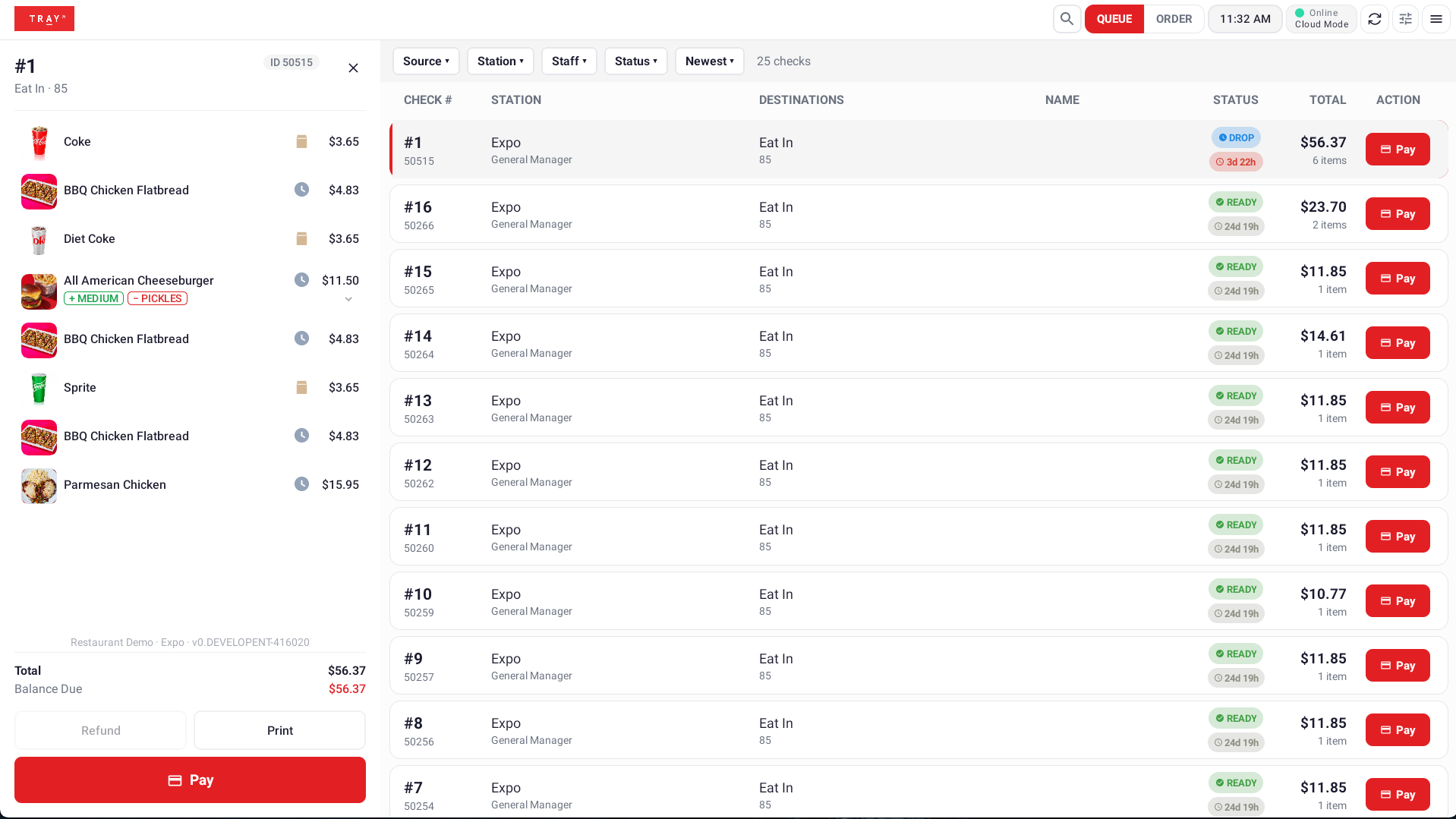
Some of the most meaningful changes in Modern Look aren’t about speed at all—they’re about eliminating the small failures that eat into a shift. A common one: a server switches from a handheld to a tablet mid-shift, and the old session doesn’t fully close, leading to sync issues and orders that seem to vanish. TRAY’s new auto-logout behavior closes out the prior station automatically the moment a new login happens, addressing that failure mode directly.
Login itself got easier too. Clearing app data used to force a full manual re-login—a small annoyance that, in a busy environment, created real risk of someone logging into the wrong station. With login persistence, devices can re-authenticate automatically using saved credentials, without giving up the ability to force a clean login when it’s actually needed.
A Kitchen Display That Keeps Up
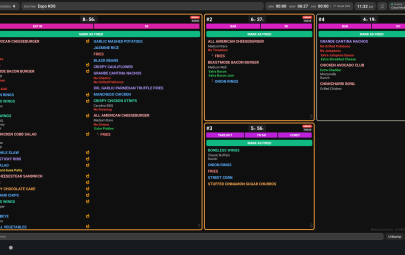
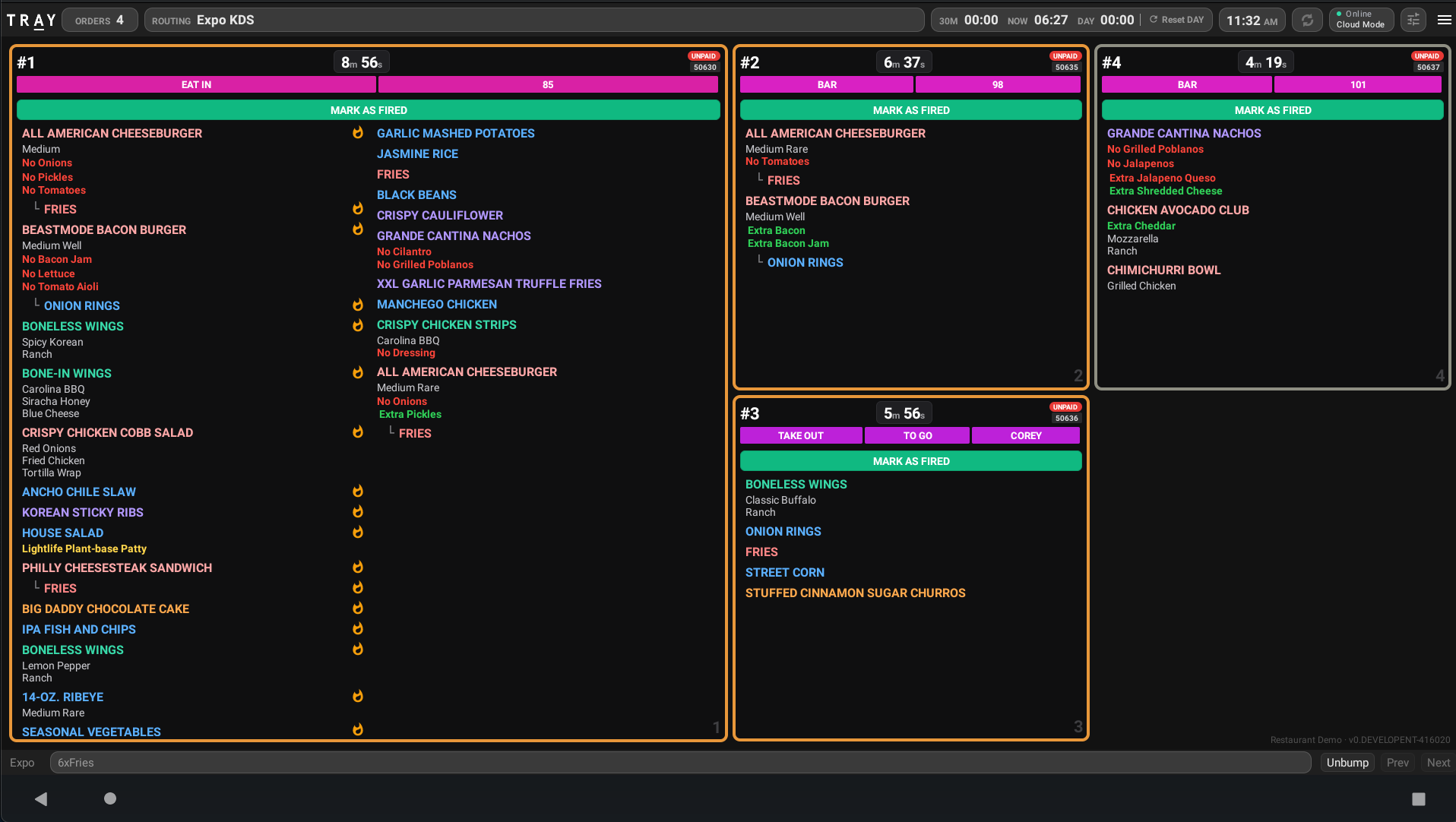
On the KDS side, new firing modes—Fire on Next Item and Fire on Next Guest—give kitchens more control over how and when orders hit the line, along with the ability to edit fired orders and better visibility into what’s changed on an order after it’s already fired. The goal: fewer errors reaching the pass, and faster ticket times without sacrificing accuracy.
A Redesigned Guest Flow
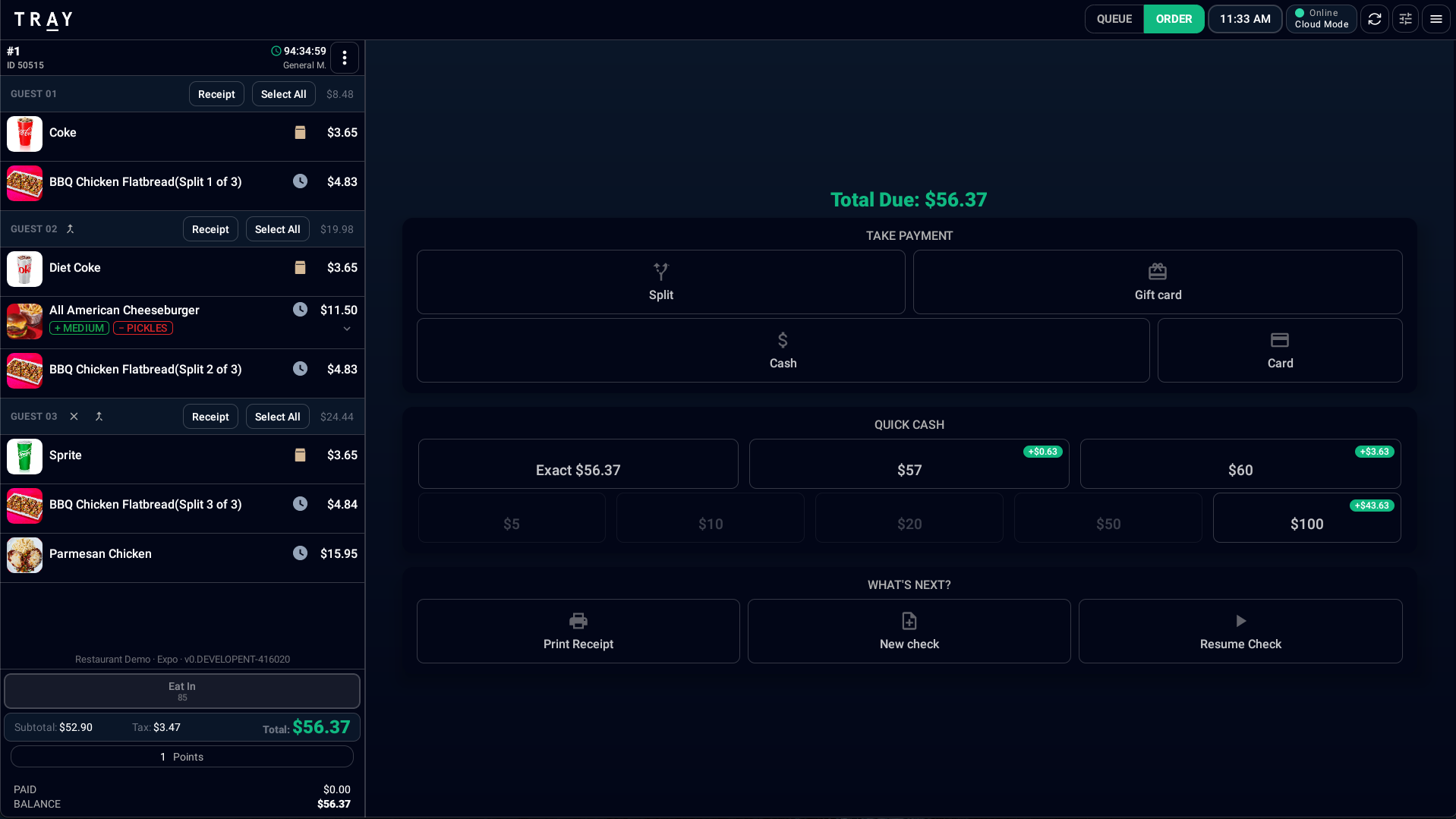
The Guests screen has been simplified into a single Next Guest button that tracks both guest count and the current guest, with auto-advance for configurable categories like beverages—cutting down the taps needed to manage a multi-guest table.
Everything Else That Shipped Alongside It
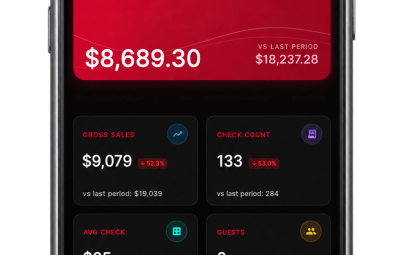
Modern Look rolled out alongside a wave of smaller but meaningful improvements: sequential check numbering, a more intuitive split payment flow, automatic removal of checks with voided items, a manager end-of-day checklist, fingerprint scanner support, a built-in network connectivity checker, and POS Insights—including product mix broken down by staff member.
Try It Yourself
Modern Look is available today as a device-level “try it out” toggle, with the option to make the switch permanent once your team is ready. Talk to your TRAY account team about turning it on for your locations.
Categories: